
When a Bay Minette Smart Thermostat Lies About Temperature
A smart thermostat reads wrong more than the marketing admits. Why, what causes it in older Bay Minette homes, and how to verify your reading in 30 minutes.
Published 2026-07-17 · Updated 2026-07-17
Author: Landon Jahnke | ACExperts251
Reviewed by: Landon Jahnke · Owner · Alabama HVAC License AL #16117 · EPA 608 Certified
Over 13 years working Baldwin County HVAC before founding ACExperts in 2026, the single most common false-positive complaint I've responded to is some version of "the AC isn't working right" — when the AC is fine and the thermostat reading is misleading the system.
I am not anti-smart-thermostat. I install them. I have one in my own house. They do useful things — schedule learning, geofencing, remote monitoring, occupancy detection. But the marketing language treats the temperature reading as a settled fact, and in practice it is not. Below is what causes the error, what's specific about older Bay Minette homes that makes the error larger here, and how to verify your reading for a few dollars and 30 minutes.
The four sources of error manufacturers won't print
Source one: the wall behind the device. A thermostat is mounted to a wall, and that wall has things behind it. In Bay Minette homes — especially the older retrofit-AC houses that dominate the central neighborhoods — the thermostat is frequently mounted on a wall that's also serving as a chase for a return air duct or a supply trunk. The drywall in front of a duct is at duct temperature, not room temperature. A thermostat sensor mounted to that drywall reads the wall, not the air.
In summer that means the thermostat reads cooler than the actual room because the supply duct behind the wall is at 55-60°F. The thermostat thinks the room is fine. The room is actually several degrees warmer than the reading. The system stops short of where it should.
In winter the same effect runs in reverse on a return chase: the wall reads warmer than the room because warm return air is bathing the back side of the drywall. The thermostat thinks the room is comfortable. The actual room temperature is lower.
Source two: the device's own dissipation. A smart thermostat with a Wi-Fi radio, a touchscreen, and a learning processor dissipates a continuous small amount of heat. That heat has to go somewhere, and most of it warms the device's own enclosure and the immediate few inches of air around it — which is the air the temperature sensor is reading.
Manufacturers compensate for this in firmware with a calibration offset (typically a couple degrees subtracted from the raw reading). The compensation is right on average. It's wrong when the device is in an unusual ambient condition — direct sun on the screen, a hot adjacent appliance, an overheating Wi-Fi router on the same wall.
Source three: human proximity. When you stand in front of a thermostat to check the temperature, your body is radiating roughly 100 watts of heat. Your phone in your hand is radiating another watt or two when its screen is on. Both warm the air immediately around the thermostat. The reading you see at the moment you check it is biased by your presence.
This sounds minor and isn't. People check the thermostat most often when they're already uncomfortable, which means the reading they see while checking is consistently warmer than the empty-room reading. The thermostat then "learns" from this skewed sample and adjusts its compensation in ways that drift over time.
Source four: the location the builder picked. Builders don't pick thermostat locations based on thermal accuracy. They pick them based on wire routing, switch-cluster aesthetics, and code requirements. Common bad locations:
- Hallway near the kitchen, where cooking heat plumes affect the reading
- East-facing wall with morning sun hitting the device
- Above a couch in a living room that gets concentrated occupancy heat in the evening
- On an exterior wall, where the wall itself runs warmer or cooler than the room
- Inside a stairwell where stratified air gives a misleading reading
The 1970s and 1980s retrofit AC era — which describes a meaningful share of the Bay Minette housing stock — frequently put thermostats wherever the original wall thermostat was for the gas furnace, regardless of whether that location made sense for cooling.
When the error is largest
The thermostat error isn't constant. It varies with conditions. The pattern across the year tends to look like:
- Most of the year, the thermostat reads close to the actual room temperature. Acceptable.
- A meaningful portion of the year — primarily during peak afternoon cooling hours when supply duct temperature is at its coldest behind the wall, or during cold nights when return ducts are running warmer than the room — the thermostat reads a few degrees off.
- A smaller share of the year, during shoulder-season conditions where the system runs intermittently and external factors (sun, kitchen heat, etc.) compound, the thermostat reads even further off. These are the times homeowners say "the AC isn't working" while the thermostat reading says everything is fine.
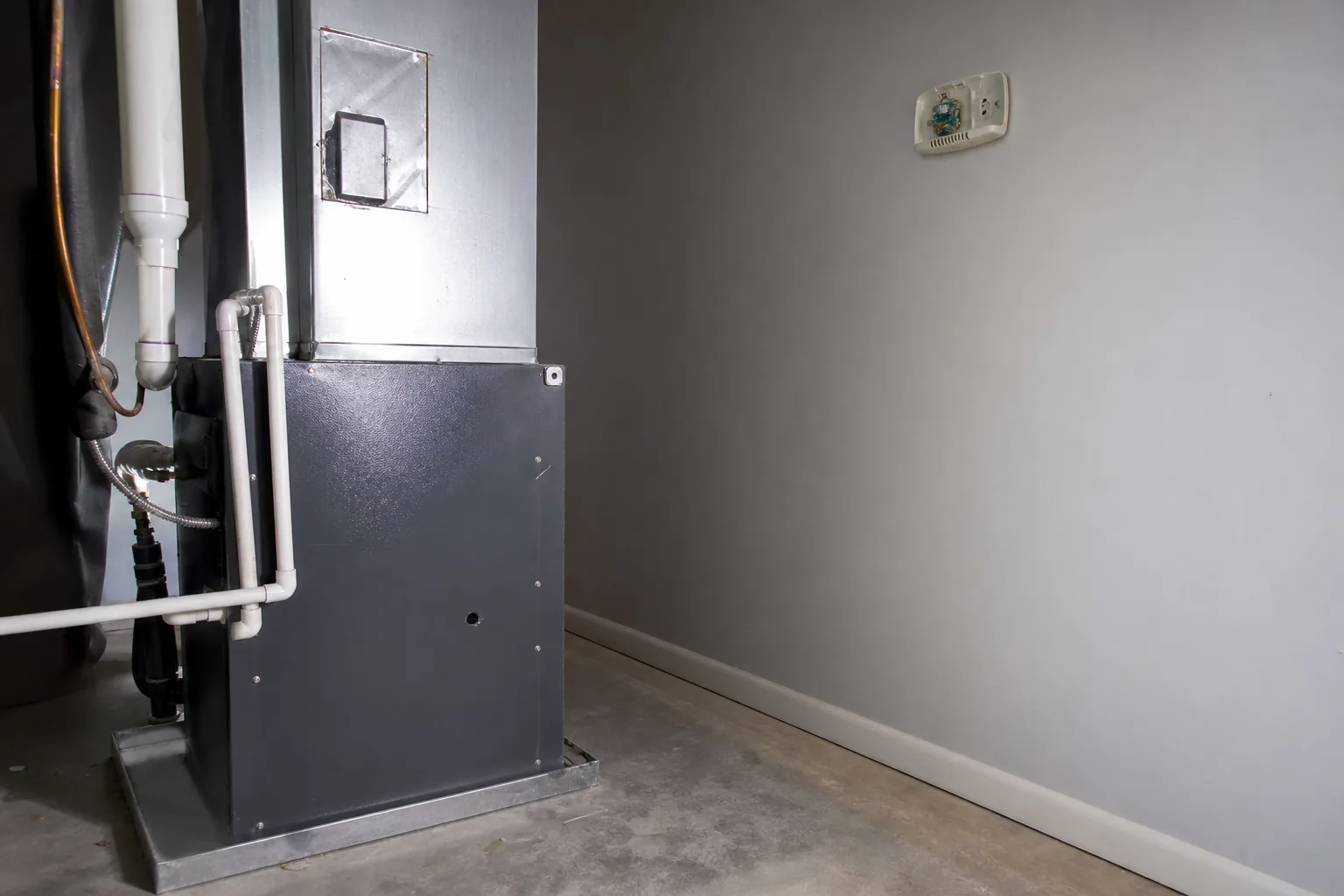
In Bay Minette specifically, the worst offenders are homes where the thermostat is mounted in a hallway that runs along the same wall as the air handler closet. The supply trunk inside that closet is at 55-60°F all day during summer, and the closet wall is conducting that temperature into the hallway drywall. The thermostat sensor reads the cool drywall while the bedroom down the hall is sitting several degrees warmer.
How to verify your thermostat is honest
The verification is simple and cheap. The fix isn't always.
Step 1: tape a digital thermometer to the wall. An inexpensive digital thermometer from a hardware store, mounted with painters tape directly next to the thermostat at the same height. Let both stabilize for 30 minutes with no one in the room.
Step 2: read both at the 30-minute mark. Note the difference. A delta under 1°F means you're fine. 1-2°F is borderline. 3°F or more means the thermostat reading is unreliable enough that the system is making bad decisions based on it.
Step 3: do this at three times of day. Morning before sun on the wall, peak afternoon with the system running hard, and evening after sundown. The error isn't constant, and one measurement isn't enough to characterize it.
Step 4: walk around the house with the thermometer. Read room temperature at the center of each room you actually use. Compare those readings to the thermostat reading. If the rooms you live in are consistently several degrees different from what the thermostat says, the thermostat location isn't representative of how you actually experience the house, and no calibration will fully fix that.
The fix, ranked from cheapest to most involved
Option 1: Remote sensors. If you have an Ecobee or a newer Honeywell with remote sensor support, deploy two or three remote sensors in the rooms you actually use. The thermostat then averages (or follows occupancy on) those sensors instead of the wall location. This solves most location-bias problems without touching the wall.
Option 2: Calibration offset. Every smart thermostat allows a manual calibration offset in the device settings. If your verification consistently shows the device reading a few degrees warmer than reality, set a negative offset. This is a band-aid because the error isn't constant, but it improves average accuracy at no cost.
Option 3: Relocate the thermostat. A real fix when the location is fundamentally bad — inside a sun-hit window, on a return chase, near a kitchen. We pull existing wiring back through the wall, route new low-voltage wire to a better location (typically several feet down a hallway, on an interior wall, away from heat sources), and patch the old hole. Quoted at the visit.
Option 4: Replace with a better-located system. If the home doesn't have a good thermostat location and remote sensors aren't an option, sometimes the right answer is a thermostat with a built-in remote sensing approach (Ecobee plus sensors is the cheapest path) or a multi-zone control upgrade that uses dedicated zone sensors instead of a single thermostat reading.
Why this matters more in Bay Minette than in newer construction
Bay Minette's housing stock — homes from the early 1900s through the 1980s, with retrofit AC added in the 1970s and 1980s in most cases — has more bad thermostat locations than newer construction does. Builders in 2010+ subdivisions had HVAC consultants thinking about thermostat placement during design. Builders in 1972 putting central AC into a 1948 house just put the thermostat where the old furnace thermostat was.
The other Bay Minette factor is the duct system itself. As covered in the Bay Minette pre-summer mistakes guide, retrofit ductwork in this market is often decades old, runs through unconditioned attics or crawl spaces, and has lost insulation jackets in places. That ductwork creates large temperature differentials between supply and return air, which means the wall behind a thermostat mounted on a duct chase has a much larger thermal influence than it would in a home with newer well-insulated ducts.
What to do if you suspect this is happening to you
Run the thermometer test. It's a small expense and 30 minutes of patience. If the delta is meaningful, you have a real problem worth fixing rather than a comfort complaint that's hard to characterize.
If the verification confirms a significant error, the diagnostic conversation with me shifts from "what's wrong with the AC" to "what's wrong with the control signal the AC is responding to." Those are completely different repair paths and the second one is usually much cheaper.
Call 251-383-HVAC. Emergency calls answered day or night, every day. Bay Minette is on the regular route. A thermostat-relocation visit takes a couple of hours including the patch, and books as a standard appointment.
ACExperts is a one-truck shop — Landon Jahnke, AL #16117, 13 years of Baldwin County HVAC experience before founding the business in 2026. Service fee $79. Free second opinions on quoted repairs. The screen on your thermostat is a number, not a fact. Verify it once. The verification will tell you whether the rest of the diagnostic conversation even makes sense.
FAQ
- Are smart thermostats inherently inaccurate, or is it an installation problem?
- Both, but mostly installation. The temperature sensor inside any modern smart thermostat is accurate to within about 0.5°F under controlled conditions. What introduces the larger error is everything outside the device — placement on a wall that has a duct or a return chase behind it, location near a kitchen or sun-lit window, the heat the device itself generates, the heat your phone or hand generates when you stand near it, and the specific algorithm the manufacturer uses to compensate for those factors. Ecobee and some Honeywell models partially address this with remote sensor support, but most homes never deploy the remote sensors.
- What's the easiest way to check if my thermostat reading is accurate?
- Tape a basic digital thermometer to the wall directly next to the thermostat — same height, same wall, same airflow exposure — and let both stabilize for 30 minutes. Then compare. A delta of 1°F or less is normal. A delta of 2°F is borderline. Anything over 3°F is a real problem and means your system is running on a false signal. The cheap thermometer is the truth source because nothing else is interfering with it.
- Should I move my thermostat if it's reading inaccurately?
- Sometimes. Relocating a thermostat is a moderate electrical and drywall job. It's worth it if the current location is fundamentally bad: in direct sun, on a wall with a supply duct behind it, in a kitchen, or above a heat-generating appliance. If the location is reasonable but reading is off, a calibration offset in the device settings or adding remote sensors in living spaces solves the problem at lower cost.
- Will the manufacturer support a thermostat that's reading wrong?
- Generally no, because they classify ambient interference as an installation problem rather than a device fault. Calling Nest, Ecobee, or Honeywell support about a several-degree reading discrepancy will get you walked through the standard troubleshooting (recalibrate, restart, reinstall the firmware) but rarely a replacement. The diagnostic step they don't tell you to do — taping a thermometer to the wall — is the one that actually answers the question.
Need this handled?
Straight to the service page for your town — pricing, local details and a form that reaches a technician.
More from Thermostat Failure

ACExperts HVAC
We Take The Heat So You Don't Have To
Fast, honest heating and air service across Baldwin County. Speak with a technician and get on the schedule today.